STEP 2-2
Return integration service
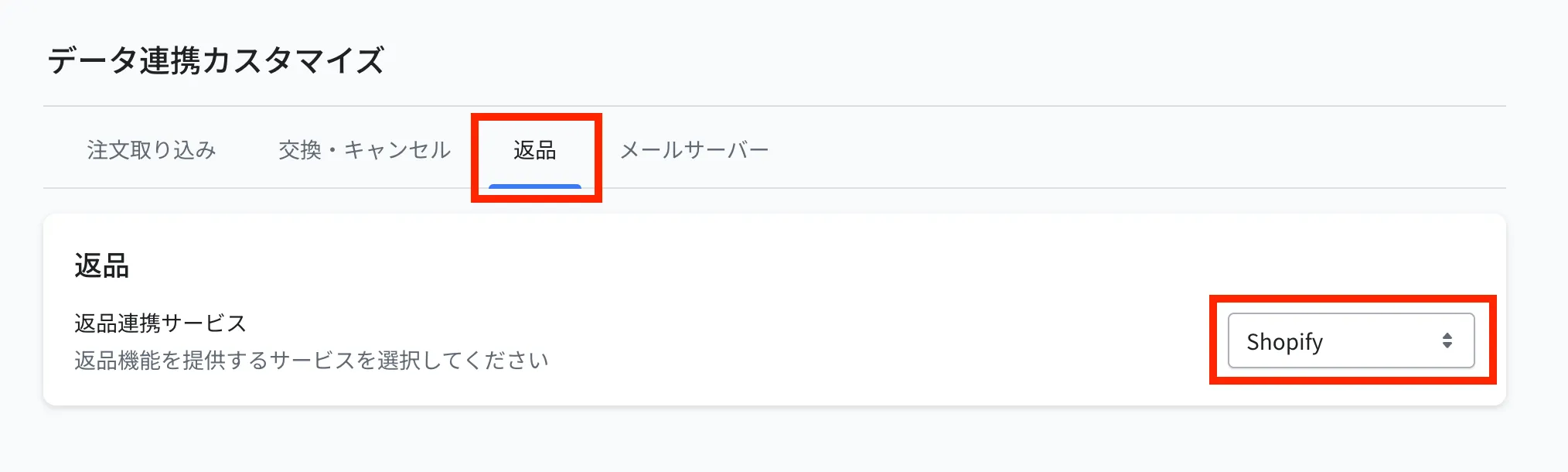
Configure the setting that lets Recustomer read Shopify return statuses. Once you enable Try Before You Buy, "Shopify" becomes selectable as the return integration service.
Go to Settings > External service integrations > Data integration settings > the Returns tab
Select "Shopify" for the return integration service and click Save at the top right
Note
If you use Recustomer Returns and Exchanges, leave this set to "Recustomer" and do not change it
© Recustomer, Inc.