STEP 2-7
Cancellation settings
Set up the cancellation integration (Cancel Order) used by Try Before You Buy. If you have a Cancellation contract, this is already configured and can be skipped.
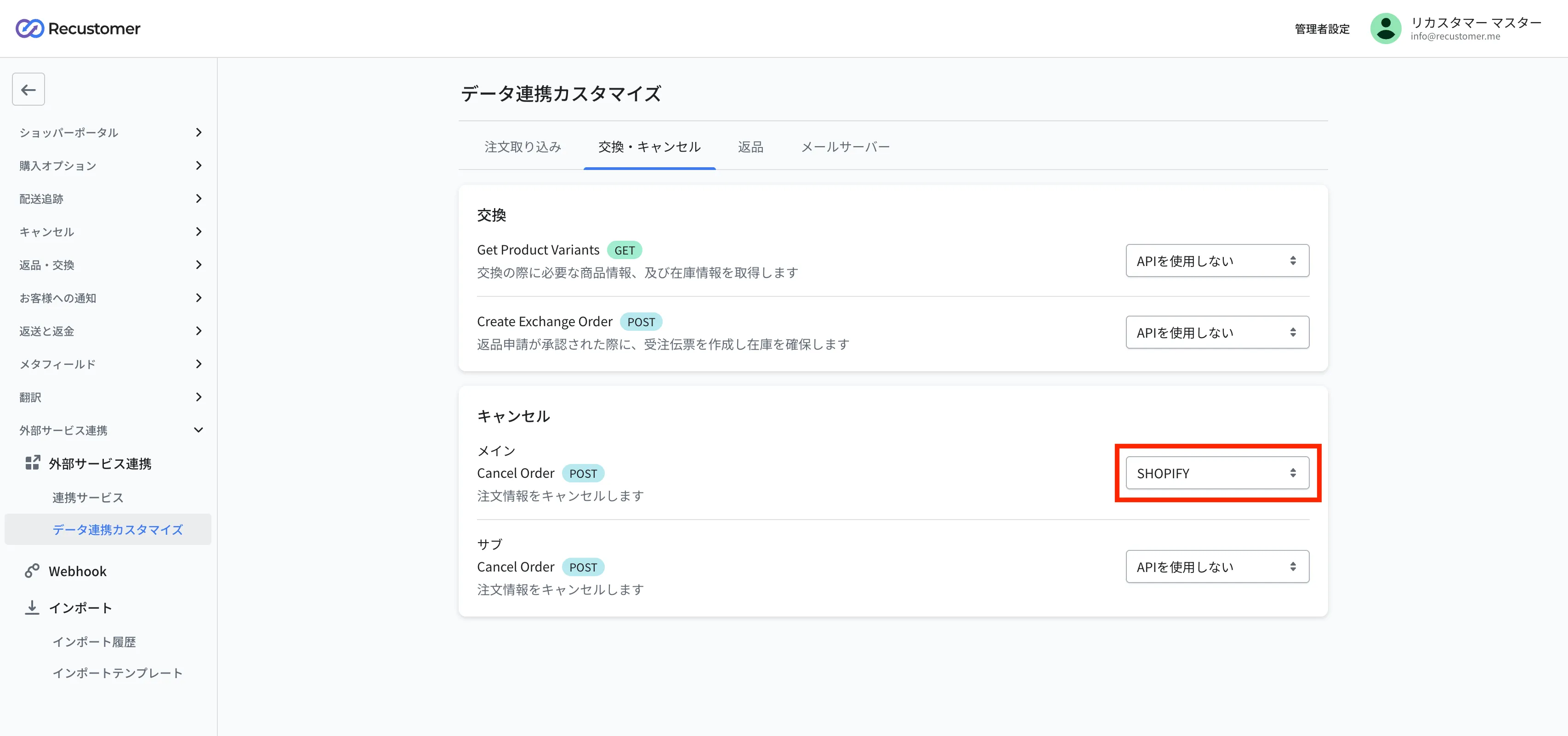
Go to Settings > External service integrations > Data integration settings > the Exchanges and cancellations tab
Select "SHOPIFY" for the main cancellation integration (Cancel Order) and click Save at the top right
If you have an OMS integration
Set up the OMS integration first, then register the OMS as the main cancellation integration (Cancel Order) and SHOPIFY as the sub integration
© Recustomer, Inc.