Request page
- "Order not found" is shown
- Can I change the wording of buttons and messages on the request page?
- Can the shopper request a return again for the same order?
- Is there a time limit (session expiry) on the request page?
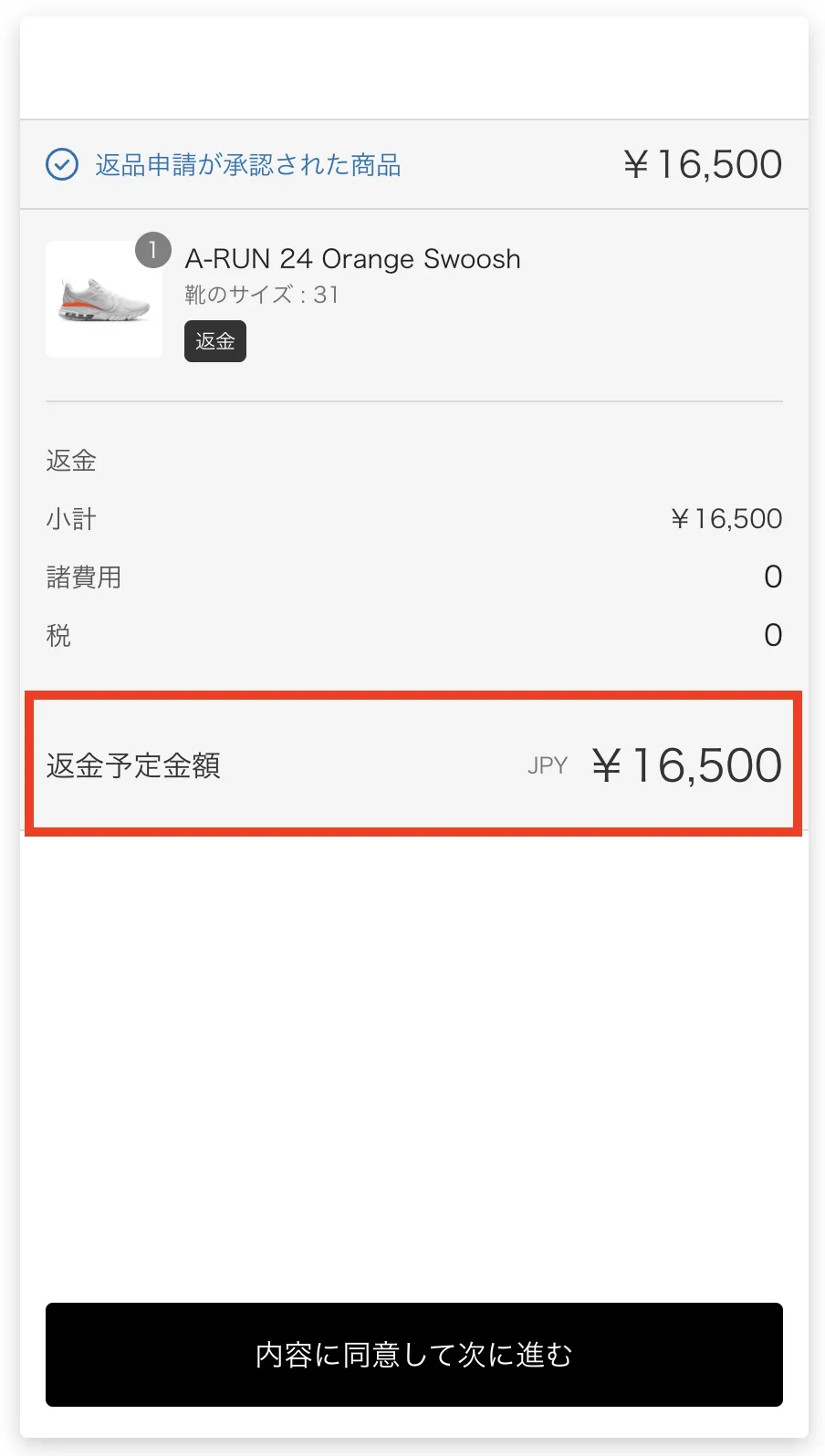
- Can I hide the estimated refund amount?
"Order not found" is shown
This is shown when the shopper searches for an order on the request page and no order is found. Check the following in order.
- Whether the shopper includes the half-width
#or prefix at the start of the order number (it must be entered exactly as shown in the system the order was imported from) - Whether the order has customer details such as the shipping address and email address
- If you integrate Shopify together with NextEngine, LOGILESS or CROSSMALL, whether the order exists in both systems
- With CROSSMALL, whether the order's status is registered in "Order status mapping"
- Whether "Accept return requests" is checked in Settings > Shopper portal > Return and cancellation requests > Return request page
The same message is shown when the order has no items that can be returned (for example, when all items are excluded by SKU).
To help shoppers enter the order number correctly, you can also match the placeholder of the order number field to your order number format (→ 2-1. Return request page settings).
Can I change the wording of buttons and messages on the request page?
You can change the wording in Settings > Shopper portal > Customize > Language editor (→ 2-1. Return request page settings).
Can the shopper request a return again for the same order?
Items that have already been requested cannot be requested again. If you delete an item from the request in the admin, that item can be requested again (→ Can I cancel a return request?).
Is there a time limit (session expiry) on the request page?
Yes. The session on the request page expires 15 minutes after the shopper searches for the order. Using the page does not extend it.
If the shopper tries to go on to the next page after the session has expired, "Session has expired. Please search your order again." is shown and they are taken back to the order search page. Anything entered so far, such as the return reason, is lost, so ask them to search for the order again and start over.
There is no setting to make it longer.
Can I hide the estimated refund amount?
Turn off "Show estimated refund amount" in Settings > Shopper portal > Return and cancellation requests > Return request page, and the estimated refund amount is no longer shown on the shopper's request page.