Cancellation deadline settings
Set the deadline for accepting cancellation requests. When a shopper looks up an order past the deadline on the cancellation request page, they are told that the deadline has passed and cannot submit a request.
Steps
Go to Settings > Cancellation > Cancellation policy > Cancellation deadline
Click Default cancellation deadline
Set the deadline using one of the following formats
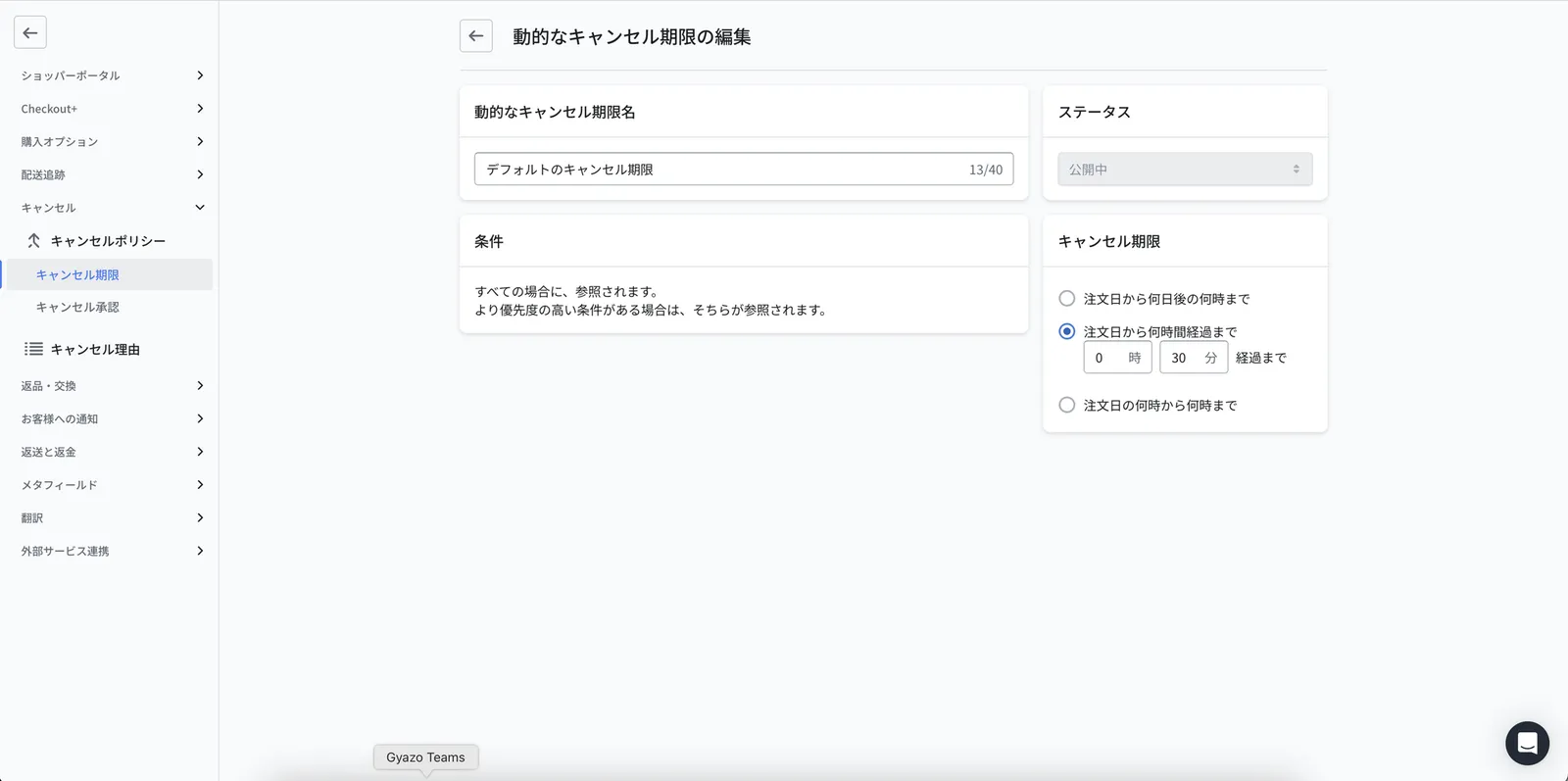
Until a specific time, a number of days after the order date (for example, until 15:00 the day after the order)
Until a number of hours after the order (for example, until 0 hours 30 minutes after the order)
Between two times on the order date (for example, from 09:00 to 18:00 on the order date)
Tip
Set the deadline to match the point after which your warehouse or logistics team can no longer stop a shipment. For example, if orders are sent to your WMS one hour after being placed and shipping preparation begins then, set the deadline to "until 1 hour after the order".