Adding entry points
Once the operational test is done, add links throughout your store so that shoppers can reach the cancellation request page. Once these are in place, you are live.
Where and how you can add them depends on your platform. See the section that applies to you.
4-1. Find the cancellation request page URL (all platforms)
4-1. Find the cancellation request page URL
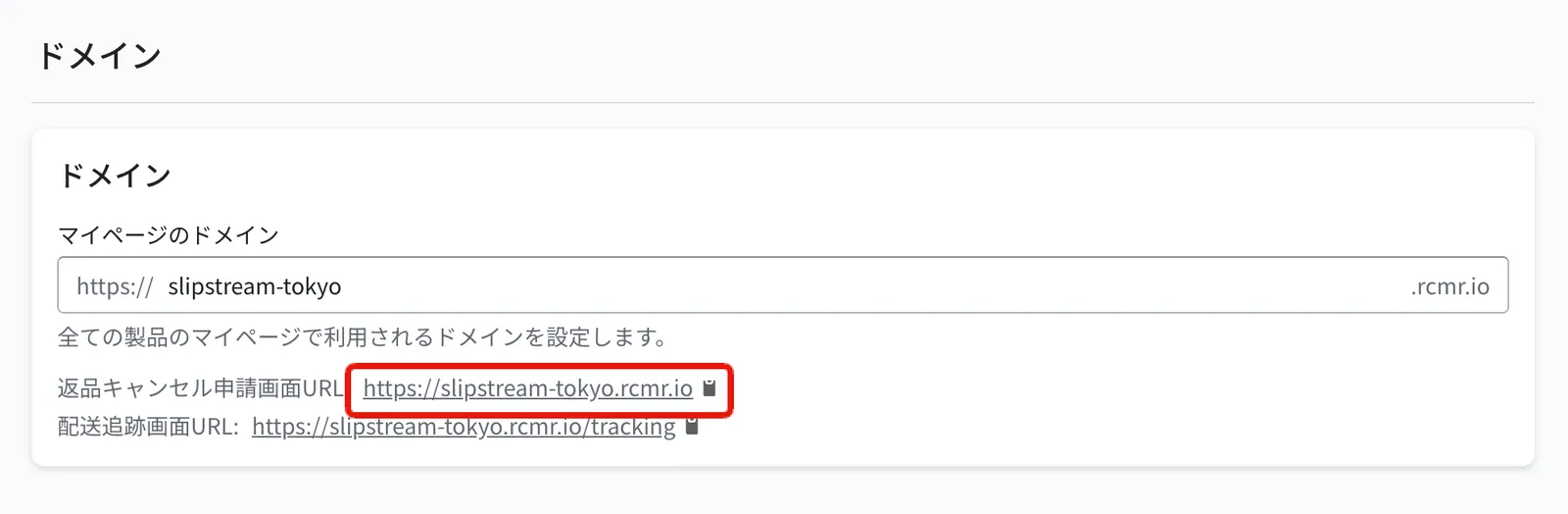
First, find the URL of the cancellation request page you will point shoppers to. (Same for every platform.)
You can find it at "Settings > Shopper portal > Domain > Return and cancellation request page URL".
💡 Tip: open the page with the order details pre-filled
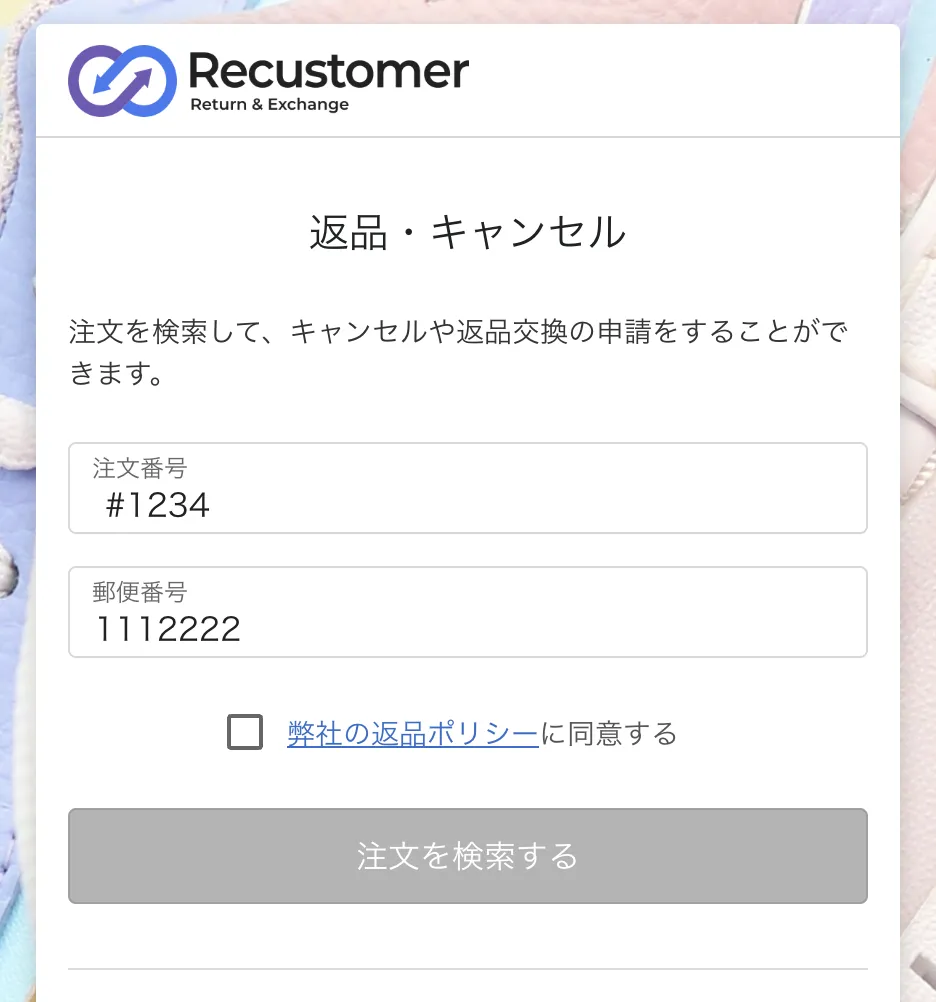
By adding parameters to the cancellation request page URL, you can open the page with the order number and other fields already filled in. This is useful anywhere you can embed order details, such as an order confirmation email.
| Parameter | Field pre-filled |
|---|---|
order_number | Order number |
postal_code | Postal code |
mail_address | Email address |
customer_name | Name |
Example URLs:
https://(request page URL)?order_number=xxxxx&postal_code=xxxxx
https://(request page URL)?order_number=xxxxx&mail_address=xxxxx
4-2. Placement examples
Shopify
| Where | Examples |
|---|---|
| Order confirmation email | Example wording for the footer: ■About cancellations If you would like to cancel your order, please let us know from the cancellation request page. ※We cannot accept cancellations once the order is being prepared for shipping or has already shipped. |
| FAQ / help pages | https://cohina.net/apps/help https://swoonsupply.com/pages/faq https://championstore.jp/pages/about-order |
| Footer | https://swoonsupply.com/ https://ec.pelle-borsa.com/ |
| My account / order history | |
| Legal notices and terms of service |
Rakuten
Rakuten Ichiba is a marketplace, so linking to an external site requires Rakuten's external link application. If you have not applied yet, complete 2-8. Rakuten external link application first.
| Where | Examples |
|---|---|
| Order confirmation email | |
| Shop contact / company information | https://www.rakuten.co.jp/kobe-beauty-labo/info.html?l-id=shoptop_shopmenu_company |
Yahoo
| Where | Examples |
|---|---|
| Order confirmation email | |
| FAQ / help pages | https://shopping.geocities.jp/queensshop/dir/pages/faq/index_01.html |
| Sales terms, returns, and exchanges | https://store.shopping.yahoo.co.jp/lindt/guide.html?sc_i=shopping-pc-web-top-store-strinfmj-cndinfo#condition |
That completes the setup. You are ready to go live.