Adding Checkout+ to the checkout page
Also display the Checkout+ checkbox on the checkout page (the page after the cart). This lets you offer Checkout+ to shoppers who skip the cart page and go straight to checkout via "Buy it now".
Shopify Plus plan only
Displaying Checkout+ on the checkout page requires a plan that supports Checkout UI Extensions (Shopify Plus). If this does not apply to you, you can skip this page.
Changes go live as soon as you save
Unlike theme editing, there is no distinction between preview and publish. Saved content is displayed on the live checkout page immediately. Decide on your wording before configuring.
1. Add the checkout extension
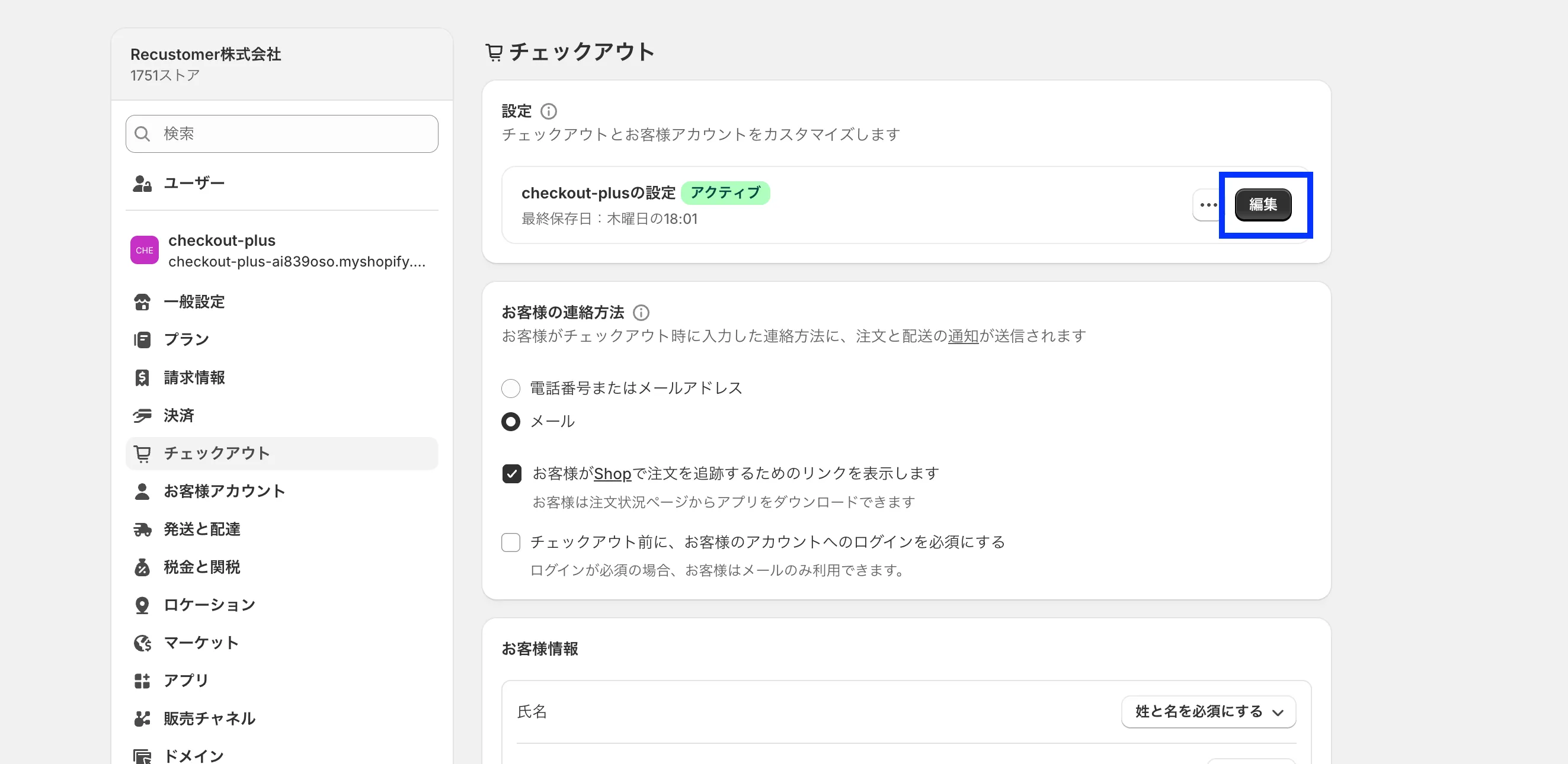
In the Shopify admin, go to Settings > Checkout and click Customize
From "Add block" in the left sidebar, add Checkout Plus
The block can be placed anywhere on the checkout page. Drag it in the left sidebar to adjust its position
2. Customize the display (Optional)
Select the Checkout Plus block to show its settings, where you can change the text and design. Text you enter is reflected immediately.
Setting labels are shown in Japanese
The setting labels of this block are displayed in Japanese in the checkout editor, regardless of your admin language. The Japanese label is shown in parentheses after each English name.
| Setting | Description |
|---|---|
| Design (デザイン) | plain (description and alert as plain text) / banner_info (description in a gray box, excluded-item alert in red text). Defaults to plain if not set |
| Checkbox description (チェックボックスの説明文) | Description shown below the product name and price. If blank, the default is a message stating that Checkout+ gives access to various benefits |
| Excluded-item alert text (対象外商品のアラートテキスト) | Notice shown when the cart contains an excluded product. {excludedItem} is replaced with the product name. If blank, the default is 「※{excludedItem}は対象外商品です。」 |
| Show excluded-item alert (対象外商品のアラートを表示) | If turned off, the alert is not shown on the checkout page (does not affect the cart page) |
| Benefits modal title / subtitle (特典モーダル タイトル/サブタイトル) | Heading of the modal opened from the (i) icon |
| Free return shipping title / description (返品送料無料 タイトル/説明文) | Text for the free return shipping benefit row. The icon is fixed |
| Coupon cashback title / description (クーポンバック タイトル/説明文) | Text for the cashback credit benefit row. The icon is fixed |
| Notes / disclaimer text (注記・免責テキスト) | Notes at the bottom of the modal. Line breaks separate paragraphs. URLs are not turned into links |
※The benefits modal on the checkout page cannot display images (hero image or logo). Only text can be displayed※The benefits modal text has no default values. Only the fields you fill in are displayed. If the title, subtitle, both benefit titles, and notes are all blank, neither the (i) icon nor the modal is displayed